Improvement
Survey Editor Refresh
Surveys
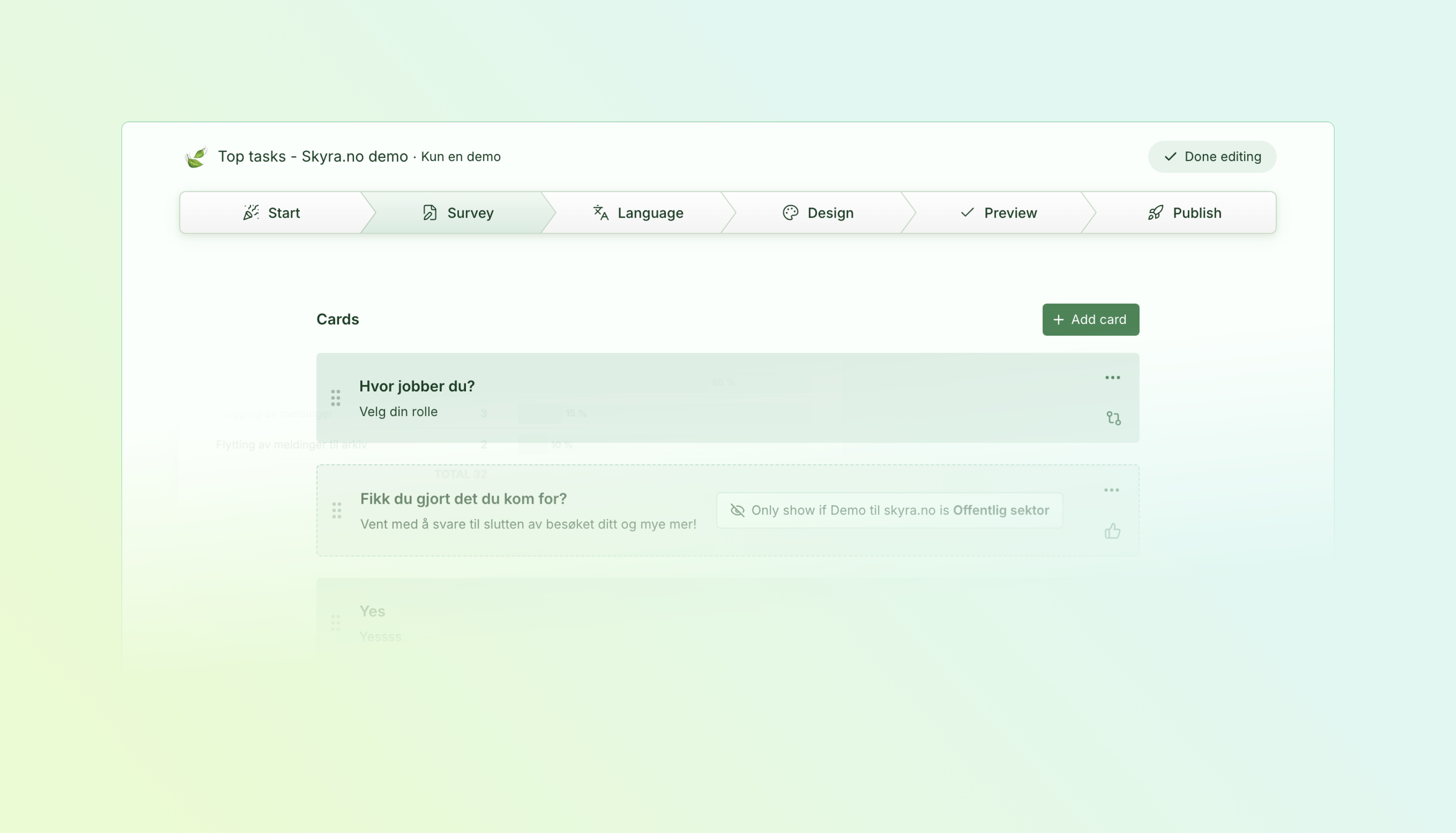
The survey editor has a new layout built around a focused editing view we call Studio. Open it from the Edit button on any survey in the list, and the editor takes over the full viewport with a sidebar for navigation and a main area for card editing.
- Studio Edit — A dedicated editing view that removes the surrounding dashboard chrome so you can focus on the survey content.
- Edit from the survey list — Every survey row now has an Edit button that opens Studio directly, so you skip the detail page when you just want to make changes.
- Unified settings — Behavior, layout, and targeting controls are consolidated into fewer panels instead of being spread across tabs and sub-pages.
Studio Edit
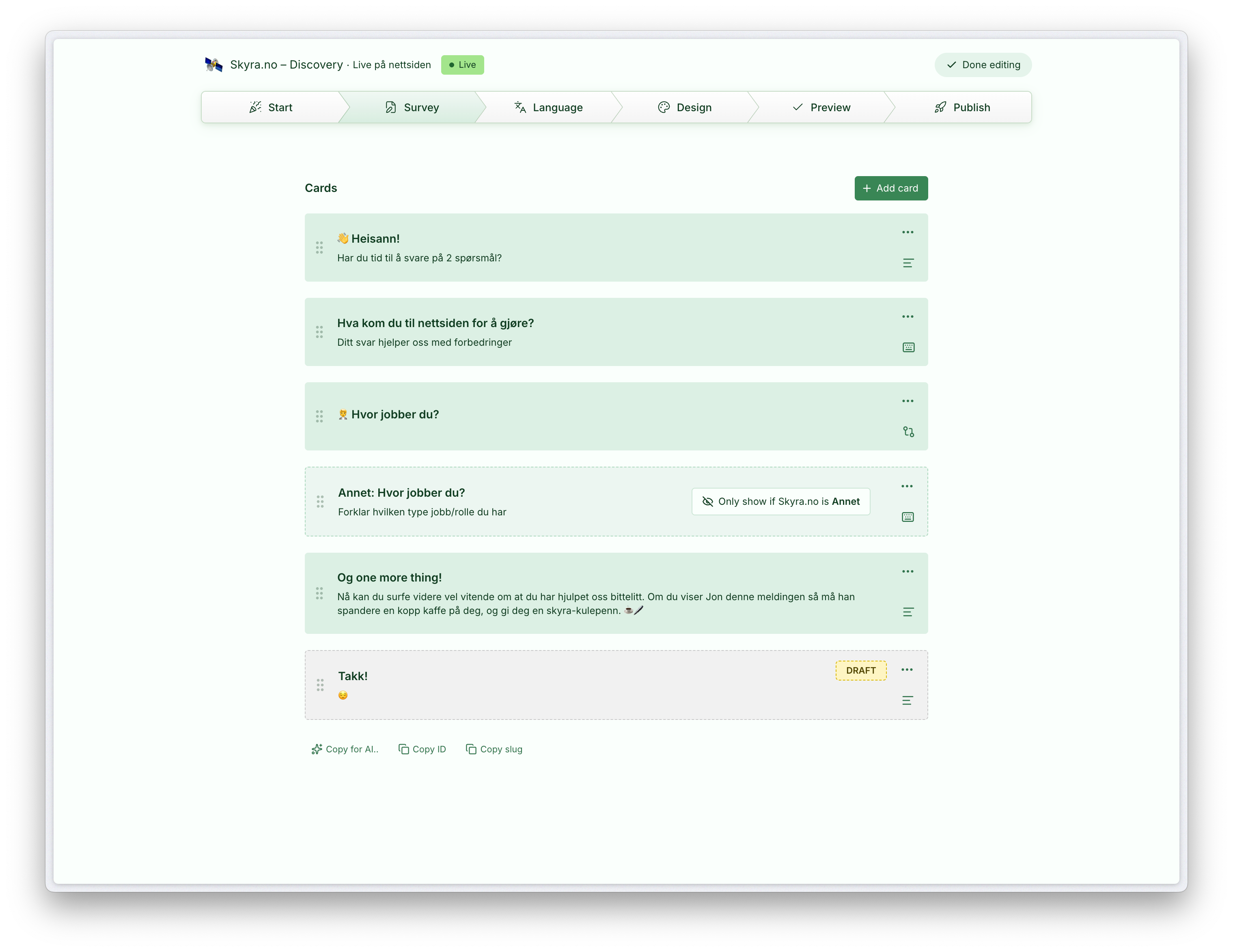
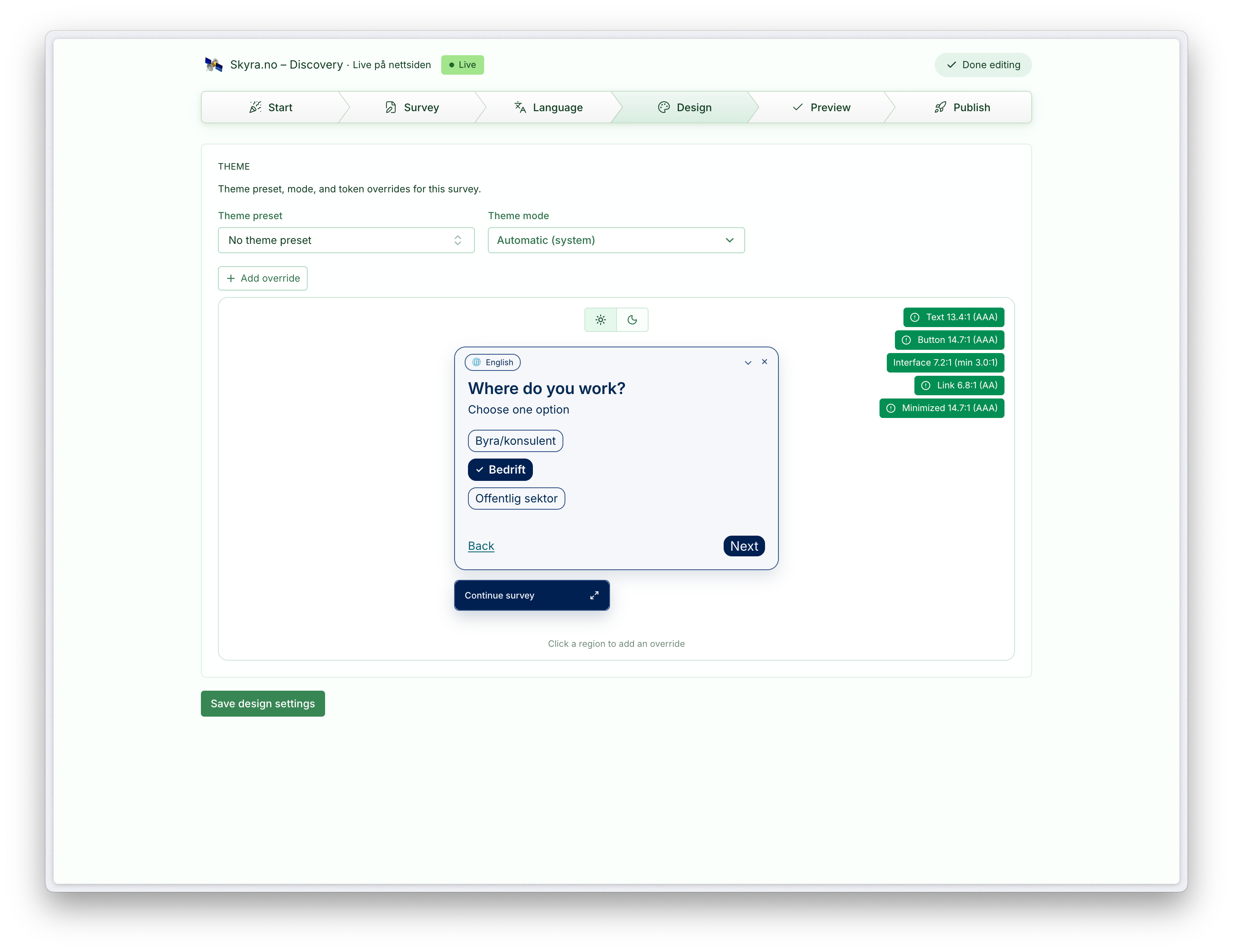
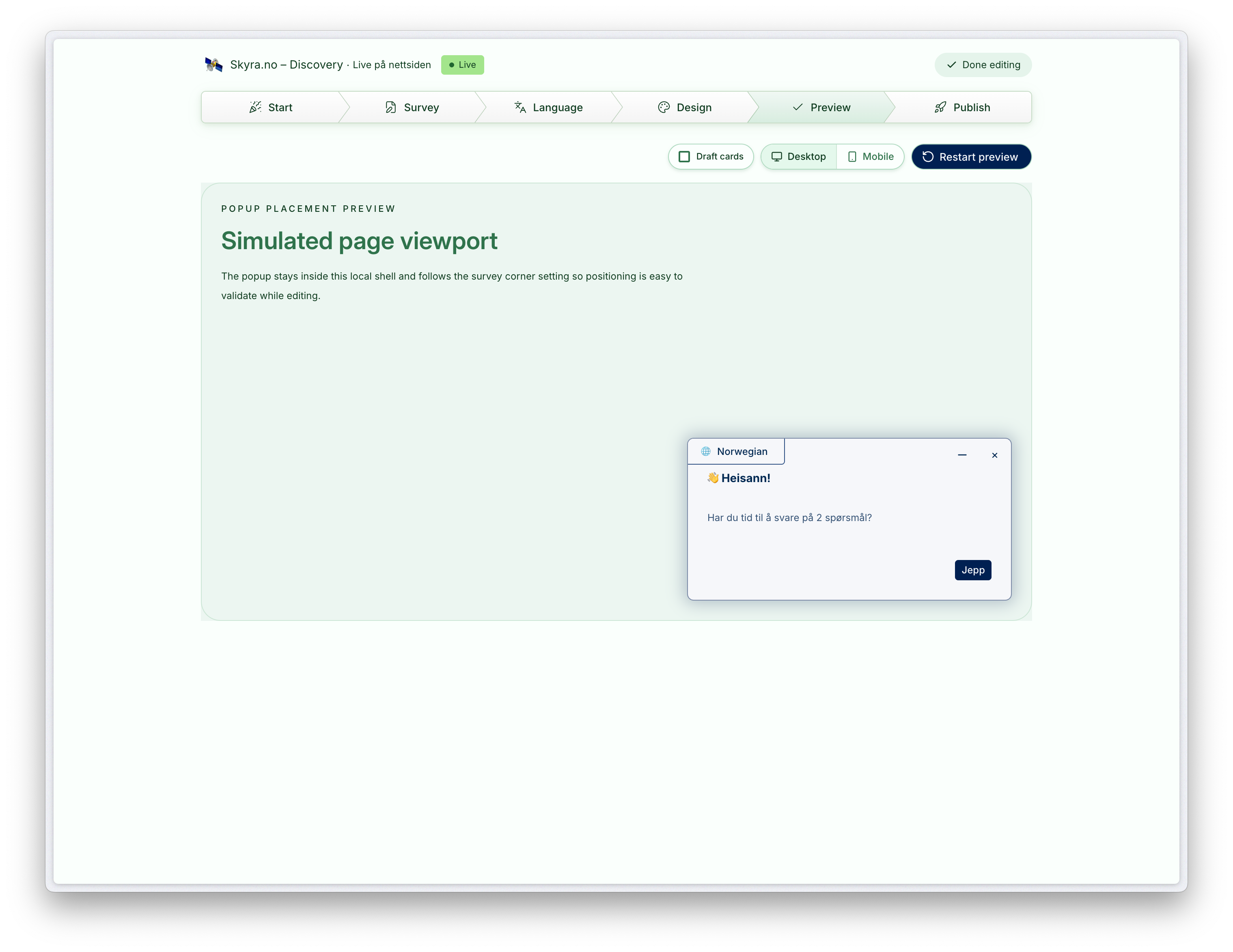
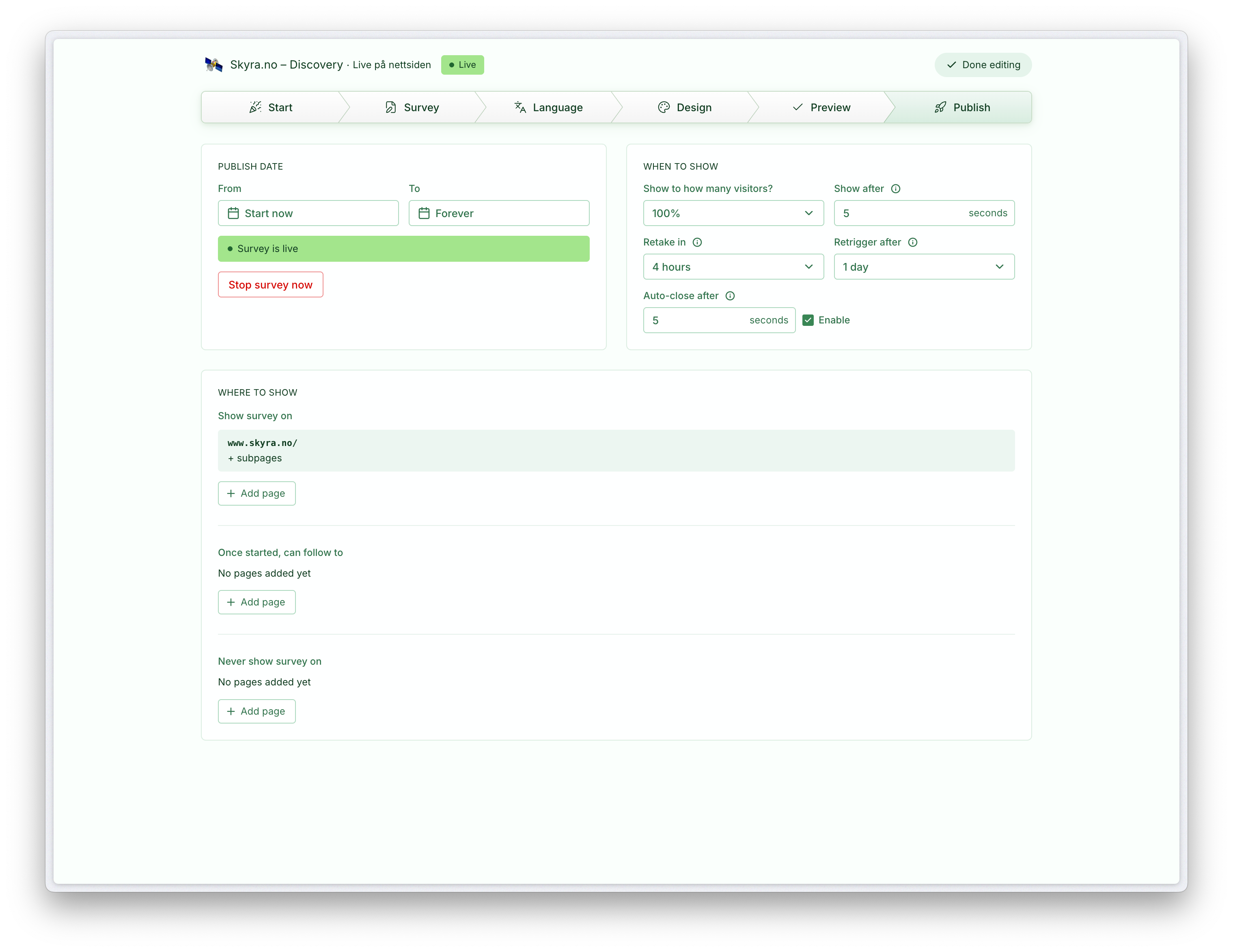
Studio takes over the full browser viewport, it has a step-type navigation on top, with the previous edit panels in the second step "Survey". Exit Studio to return to the survey detail page with context preserved.
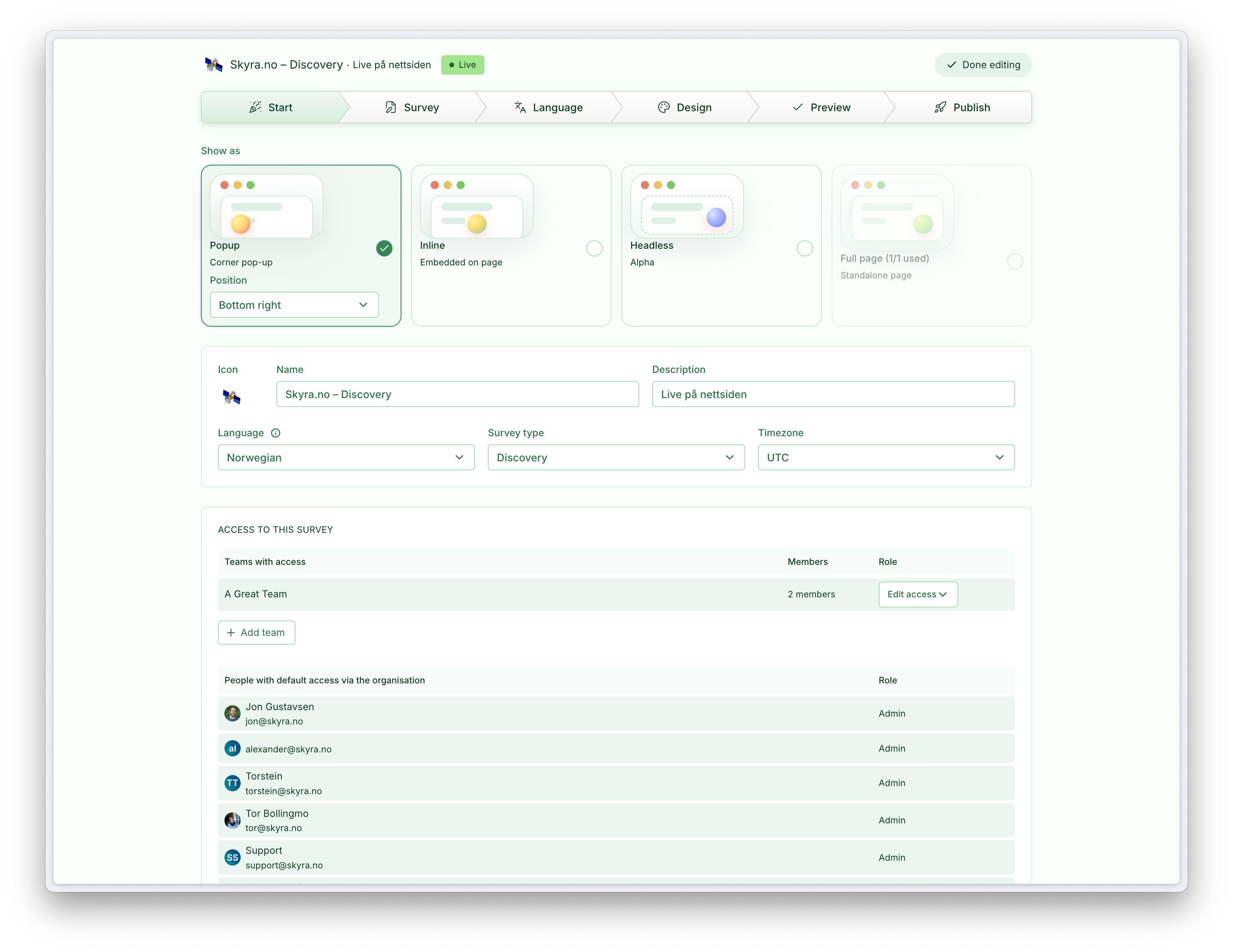
1 · Start
2 · Edit
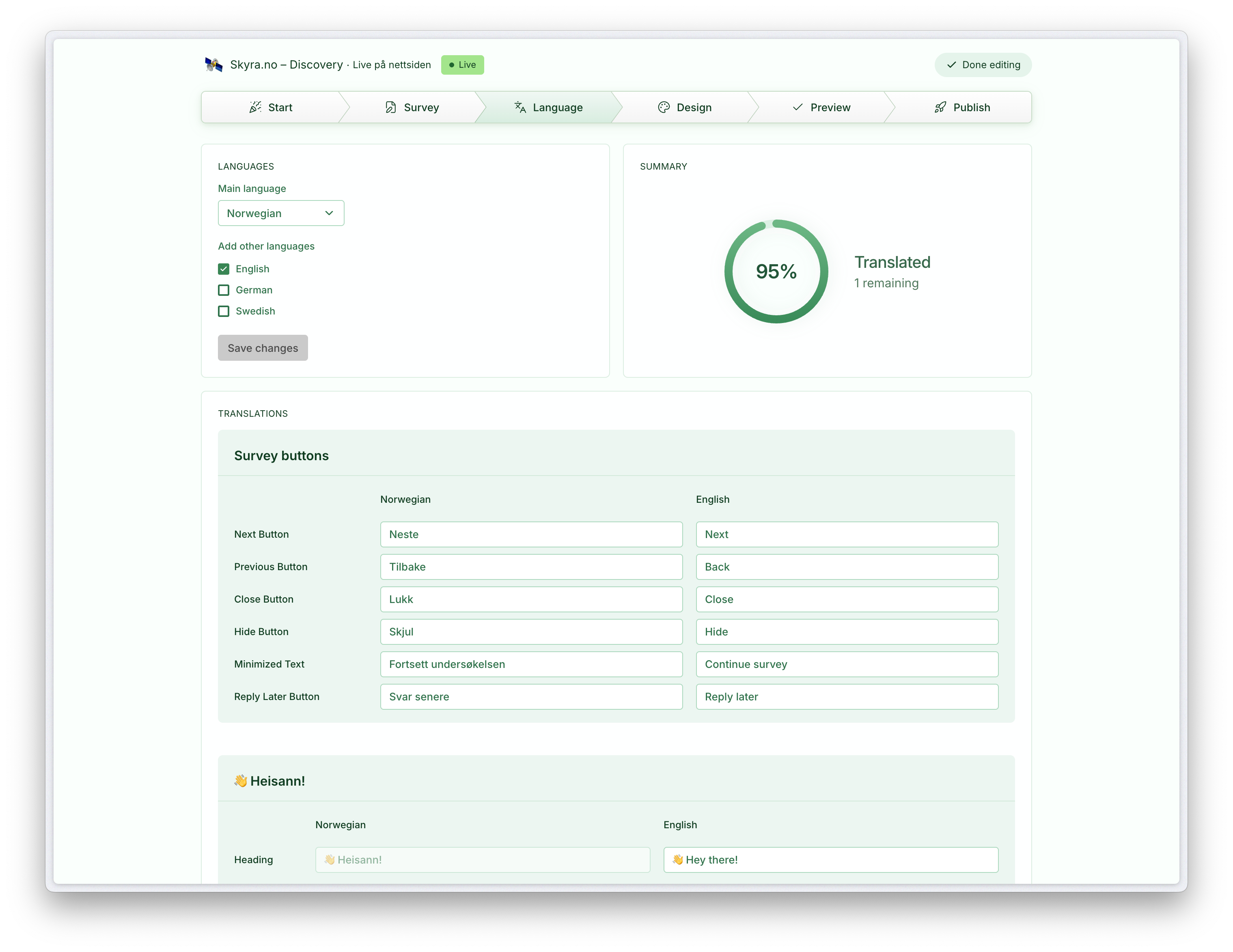
3 · Language
4 · Design
5 · Preview
6 · Publish
Available on Essentials and above.