Link Surveys (Beta)
Surveys
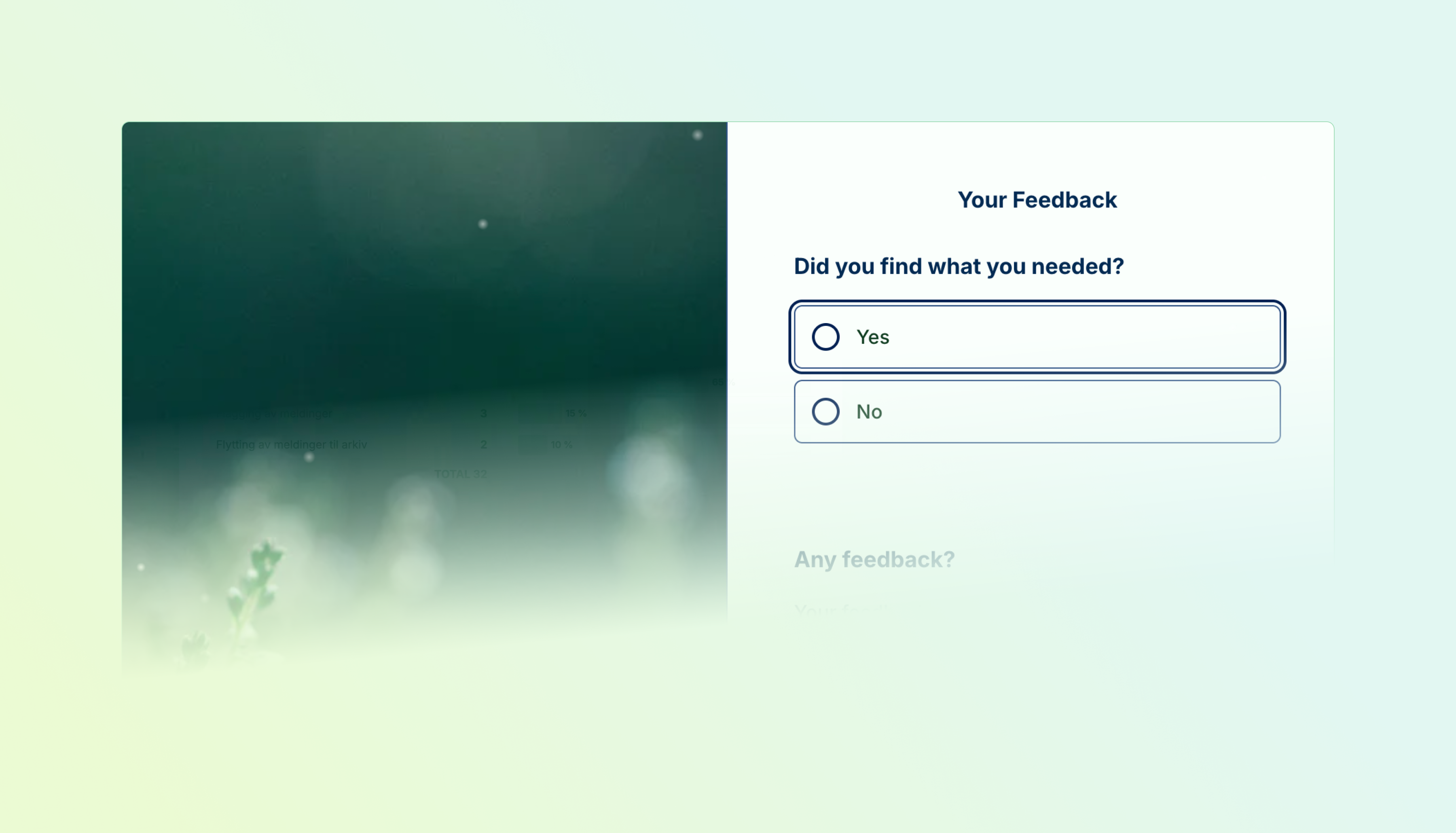
Surveys can now live on their own page instead of being embedded in your website. Link surveys are multi-page, themeable, and hosted by Skyra — share a link and respondents land directly in the experience.
- Multi-page flows — Organize cards across pages so respondents move through one section at a time instead of seeing everything at once.
- Page-level design — Each page can have its own header image with six desktop layouts (split, background, above/below title), focal point control, and a theme override.
- Celebration effects — Trigger confetti, fireworks, balloons, emoji rain, or other effects on specific pages like thank-you screens.
- Password and invitation access — Restrict who can open the survey with a password gate or invitation codes for controlled rollouts.
- Link previews — Shared links render with OG and Twitter Card meta tags, so the survey title and image show up properly in Slack, Teams, and social media.
We're releasing link surveys as a beta. The format is functional today; we'll continue refining the editing and respondent experience based on feedback.
Multi-Page Flows
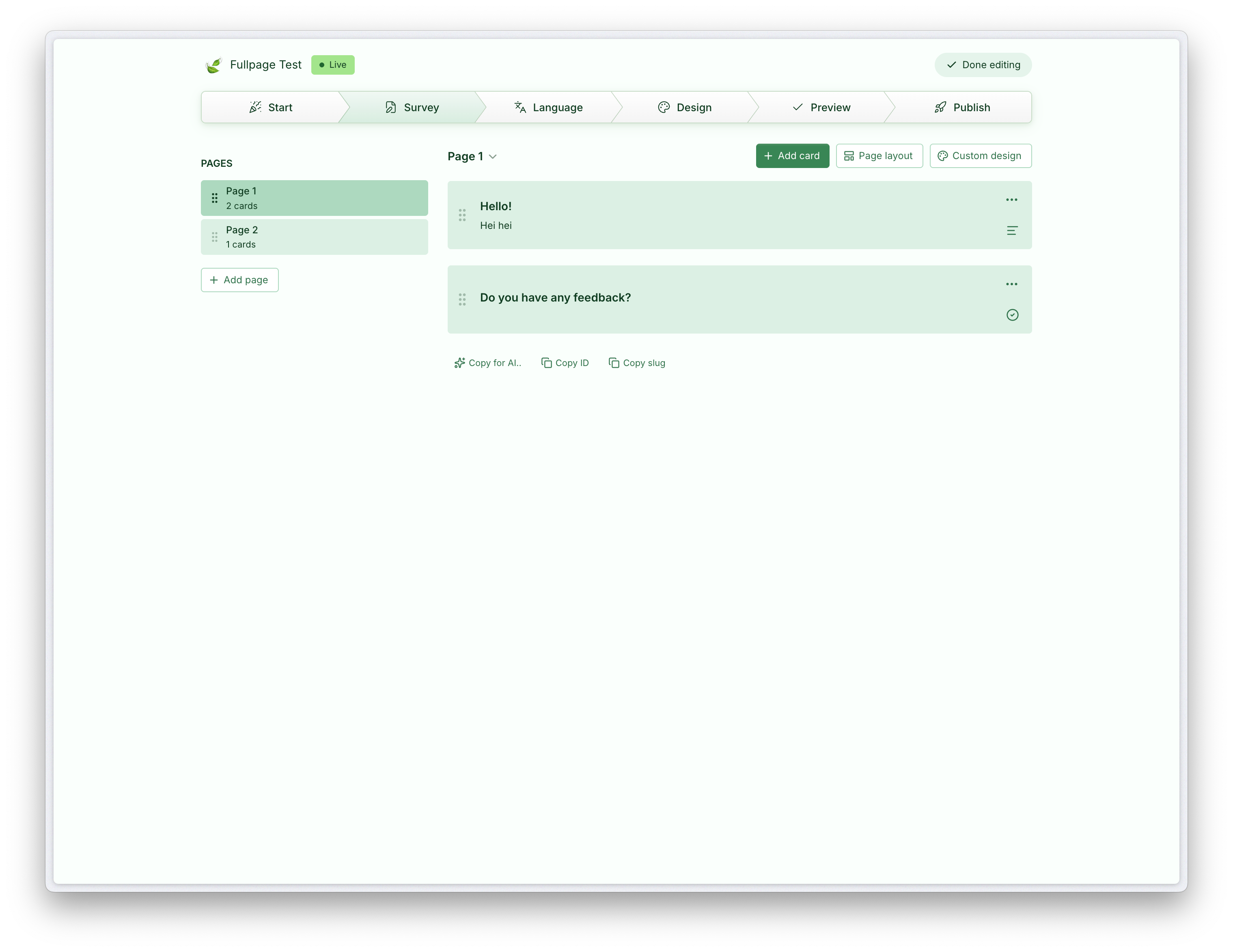
Create pages from the editor sidebar, drag cards between them, and reorder pages. Respondents navigate with Next/Back buttons. Empty pages and pages hidden by visibility rules are skipped automatically — the flow stays clean regardless of branching complexity.
Page Design
Each page can look different. Pick from six desktop image layouts — split left, split right, split top, background, above title, below title — and four mobile layouts. Set a focal point on your image so it crops well across screen sizes. Override theme tokens per page when a section needs a distinct feel.
Celebration Effects
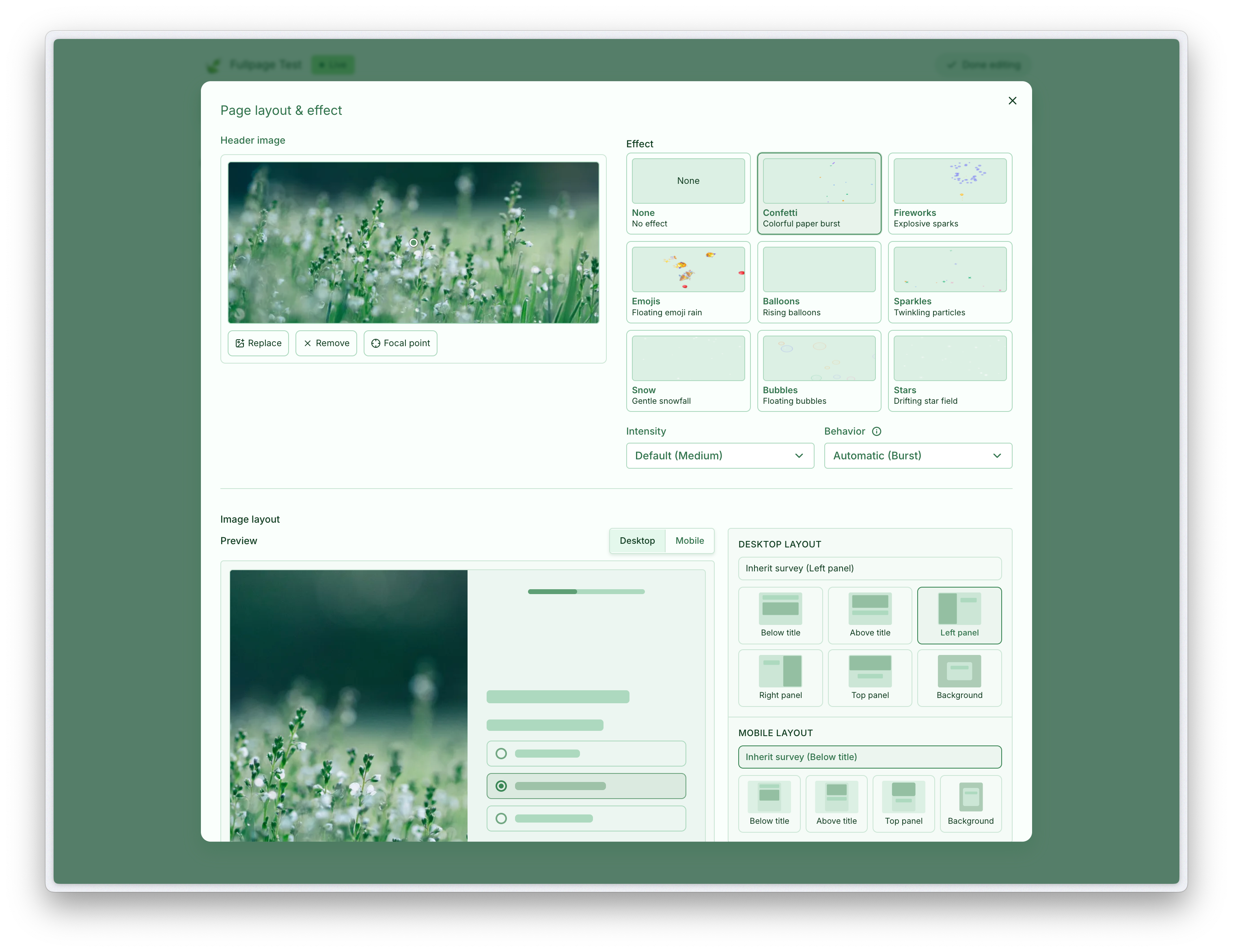
Attach a visual effect to any page. Eight effects are available: confetti, fireworks, balloons, emoji rain, sparkles, snow, hearts, and stars. Control intensity and whether the effect plays once or loops. Useful for thank-you pages, milestone moments, or playful survey experiences.
Available on Essentials and above.
Requires access to Link Surveys.