Find your next survey with Inspiration
Surveys · Platform
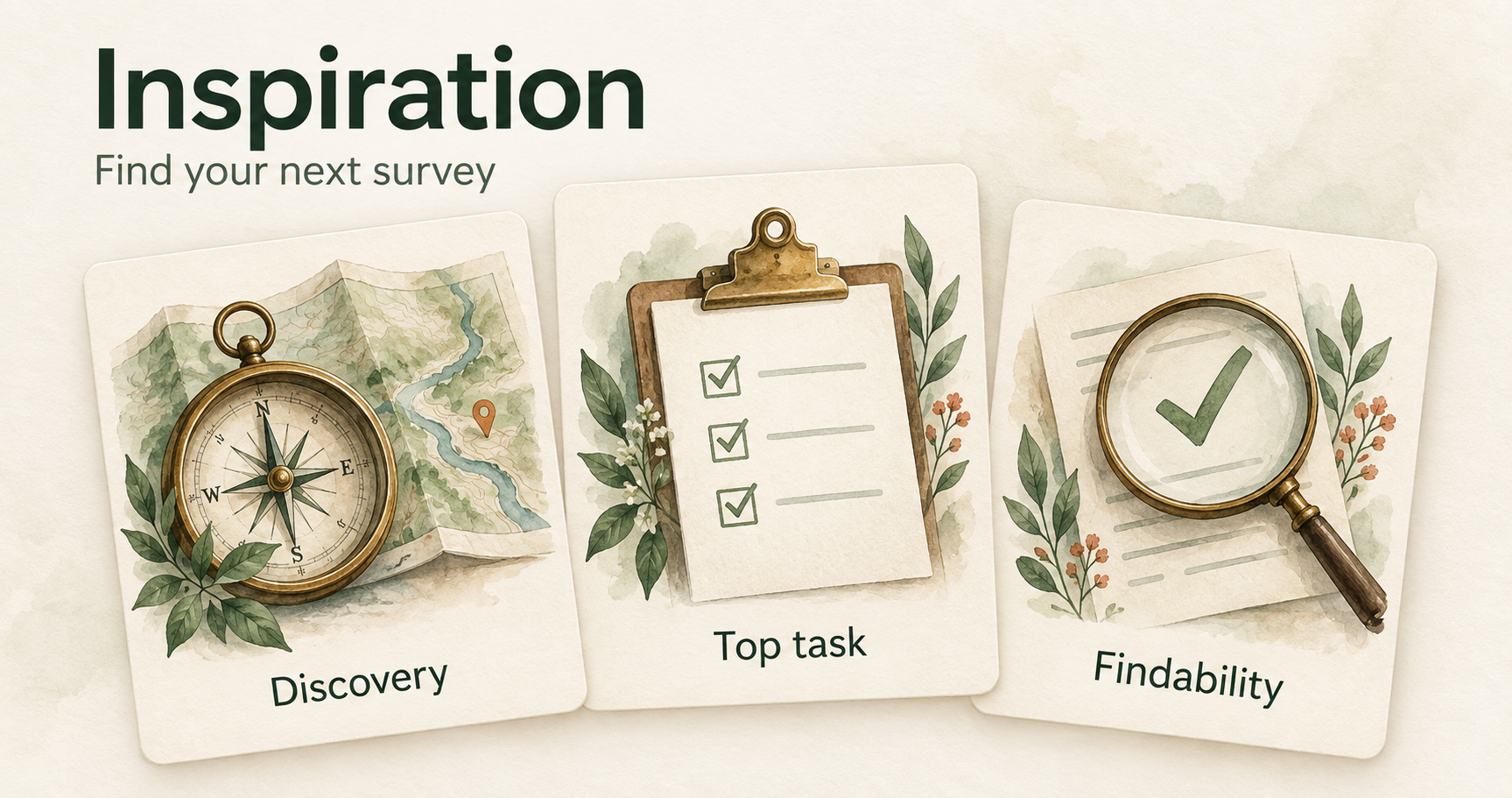
Turn your next research question into a clear plan with Inspiration, a new collection of survey approaches, practical examples, and ready-to-adapt survey templates.
- Find the right approach — Explore nine survey approaches, from Discovery and Top task to customer effort and feedback after a completed journey.
- Know what you’ll learn — See when each approach is useful, what it can reveal, and what to consider before using it.
- Try before you create — Browse illustrated guides and try interactive examples for all nine approaches.
- Start with a ready-made setup — Use a template to create an editable survey draft, then adapt the questions, answer choices, and timing to your audience.
Find Inspiration in the navigation. Available to all customers on every plan.
Start with what you want to learn
Do you want to understand what people need, see whether they can complete an important task, or learn why they contact support? Inspiration helps you connect that question to a useful way of collecting feedback.
Choose an approach to explore its purpose, where it fits, the insights you can expect, and a suggested survey structure. Each guide brings the questions and answer choices together, making it easier to discuss the plan with your team and adapt it to your organisation.
When you’re ready, use the template to create your own editable survey draft. For Findability, the action sets up your organisation’s Findability survey or opens the one you already have.
A starting point, not a one-size-fits-all survey
The collection brings familiar Skyra survey types together with suggestions for other research situations. Use the examples as a starting point, then tailor the wording, choices, and timing to the people you want to hear from. The guides explain relevant setup considerations and limitations along the way.
Available on Essentials and above.
Available to all customers on every plan.
Improvements3 changes
- ResponsesTasks
Download selected responses more easily — Download your selection directly from the action bar on survey and task response pages, and see the response count on the main Download button.
- ResponsesRecruitment
Search responses by recruitment contact — Find responses using a recruited participant’s name, email address, or phone number.
- Recruitment
Clearer recruitment limits — See used and remaining recruitment capacity, with more reliable enforcement when your organisation or a recruitment question reaches its limit.
Fixes2 changes
- Recruitment
Relevant recruitment filters — Selecting a survey now narrows the available recruitment filter choices, including labels and tasks, to that survey.
- Responses
Cleaner response column choices — Response column settings now show questions from the selected surveys without including unrelated or deleted questions.