Get there faster with the command palette
Platform · Surveys
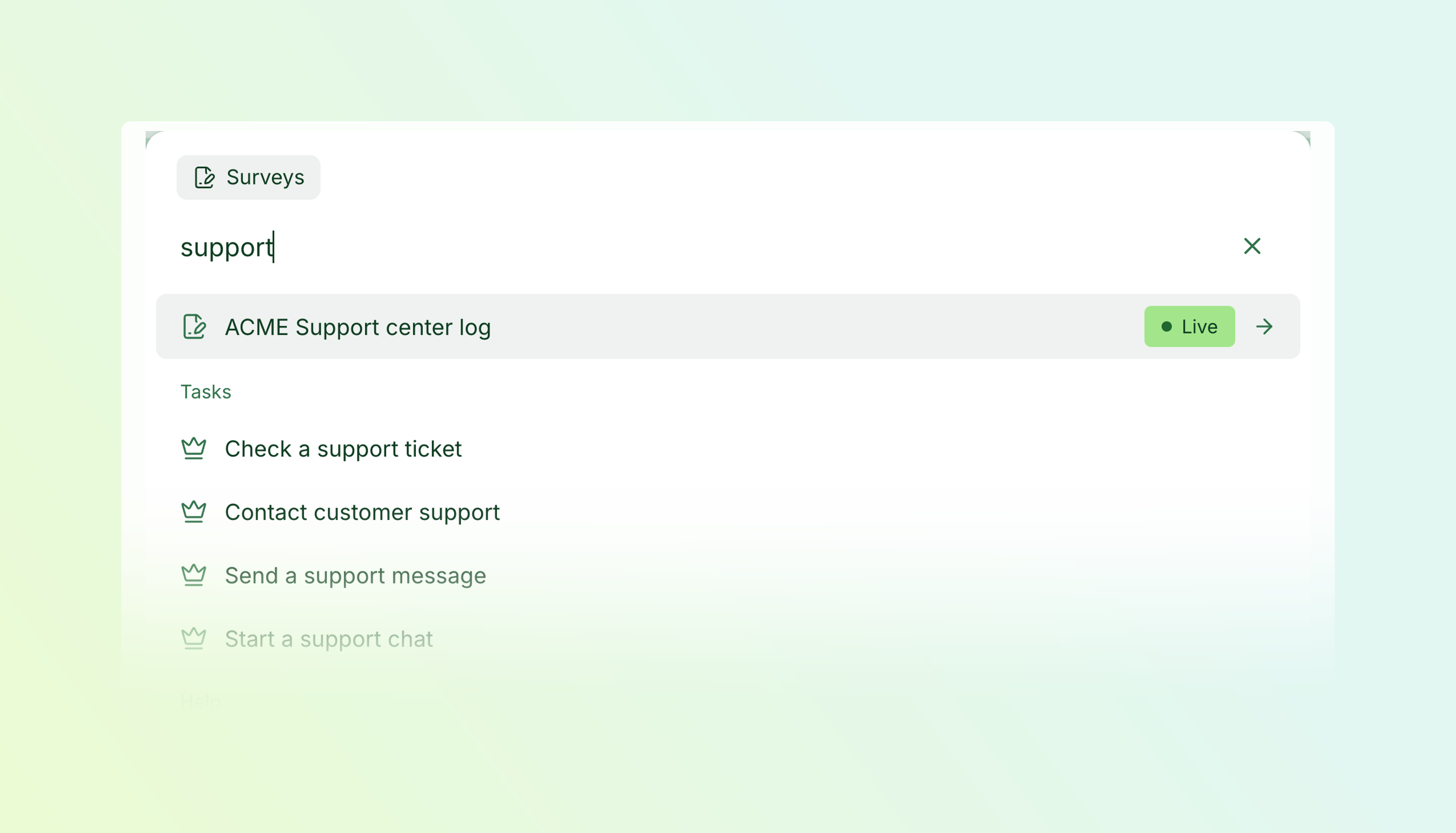
Press ⌘K on Mac or Ctrl+K on Windows to search your workspace and get things done. You can also open the palette from Search and commands in the navigation.
- Find your stuff — Search surveys, tasks, segments, scales, and labels in one place.
- Skip a few clicks — Jump to responses, edit or preview a survey, or copy its link.
- Search inside surveys — Find cards by question text or answer options, even if you don’t remember which survey they belong to.
Useful actions, right there
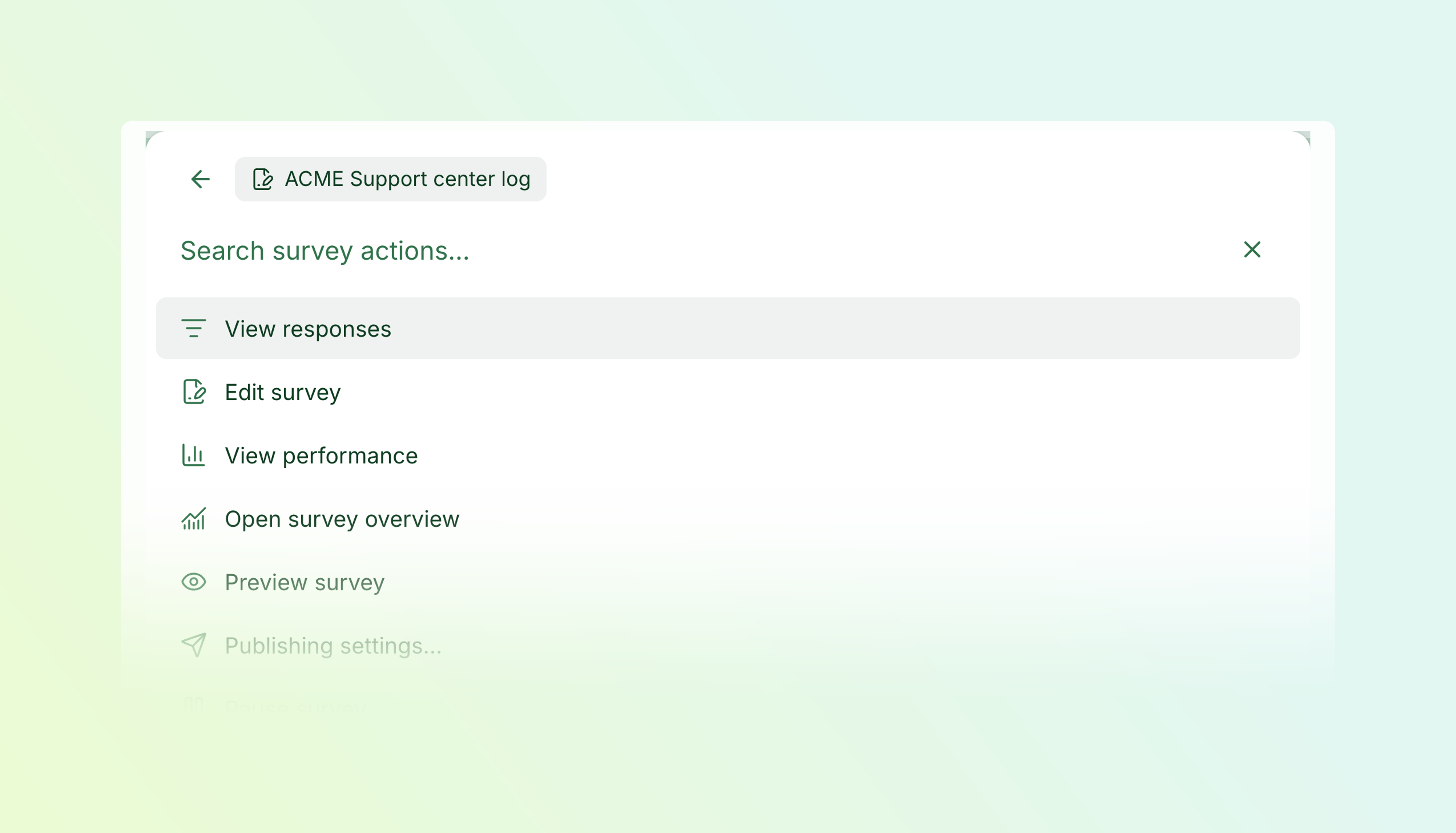
Select a result and press → to see what you can do with it. For surveys, that includes viewing responses, editing, previewing, and more. Open the palette while working on a survey and its actions come first.
Find that question
Choose Find cards, type a few words, and check the preview. Each result shows which survey it belongs to. Press Enter to open the card in the editor.
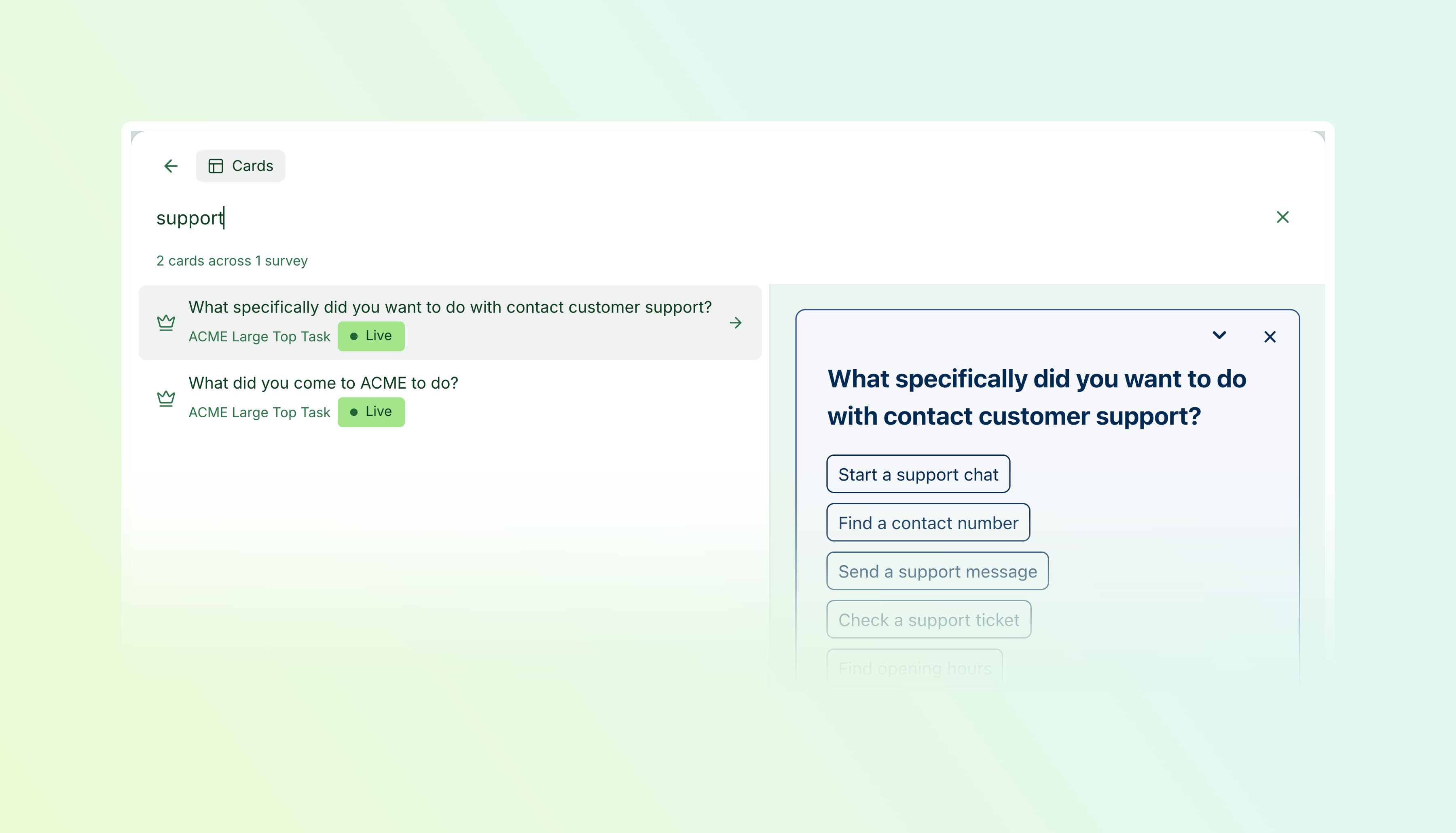
Tip: type : to pick what you want to search—surveys, cards, tasks, and more.
Available on Essentials and above.
Improvements6 changes
- PlatformSurveys
Better on mobile — Navigation, survey editing, response lists, and everyday controls are easier to use on smaller screens.
- ScalesSurveys
Easier scale setup — Choose smiley presets, customise labels and emoji, and preview your scale before saving. See which surveys already use each scale.
- TasksResponses
More precise task filtering — Filter reports, responses, and downloads by a specific branch of your task hierarchy.
- Surveys
Style your inline surveys — Add backgrounds, borders, rounded corners, and shadows to surveys embedded directly in your page.
- RecruitmentResponses
Filter by recruitment signup — Explore responses from people who signed up for recruitment—or those who didn’t—and include that selection in downloads.
- Surveys
More flexible survey logos — Add an optional dark-mode logo to link surveys, and drag images directly onto logo and cover-image upload controls.
Fixes4 changes
- SurveysTasks
Task follow-up answers stay put — Fixed an issue in full-page surveys where answering a task follow-up could hide the question and leave its answer out of the submission.
- ScalesResponses
Correct results for repeated scales — Rating questions now count their own answers correctly when multiple questions use the same scale.
- Responses
No more disappearing labels — Assigned response labels remain visible after reloading the page.
- SegmentsSurveys
Smoother segment editing — Fixed a survey editor crash when adding new segment values, while preserving edits already in progress.