Release notes – 2 December 2024
Settings · Findability · Responses · Surveys
Teams are finally here, and Findability gets an upgrade
1.0 Teams
Teams help you restrict access to specific surveys to the right teams and people.
As a Pro or Enterprise customer, you can use teams to ensure that only the right people have access to a particular survey. You can assign different permissions to surveys and members within a team, giving you full control.
Rolling out teams
This has been a major development effort, and we will roll it out gradually to eligible customers so we can monitor and fix any issues along the way. If you do not see the feature but would like access straight away, get in touch! Everyone eligible will have access by the end of the month.
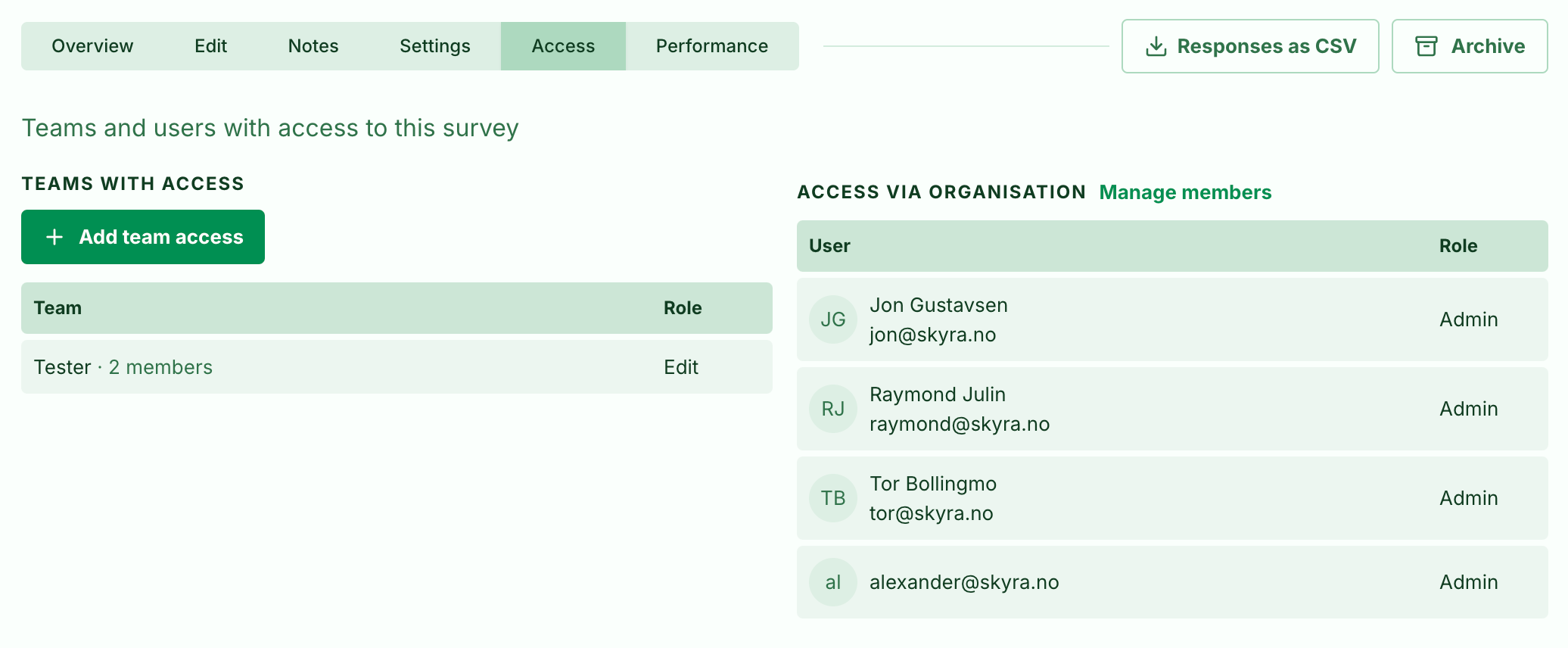
Teams
Read more about using teams here.
2.0 Findability
2.1 New dashboard!
We have updated the dashboard to make it easier to read. Instead of a long list of pages, it now shows your inbox and useful metrics!
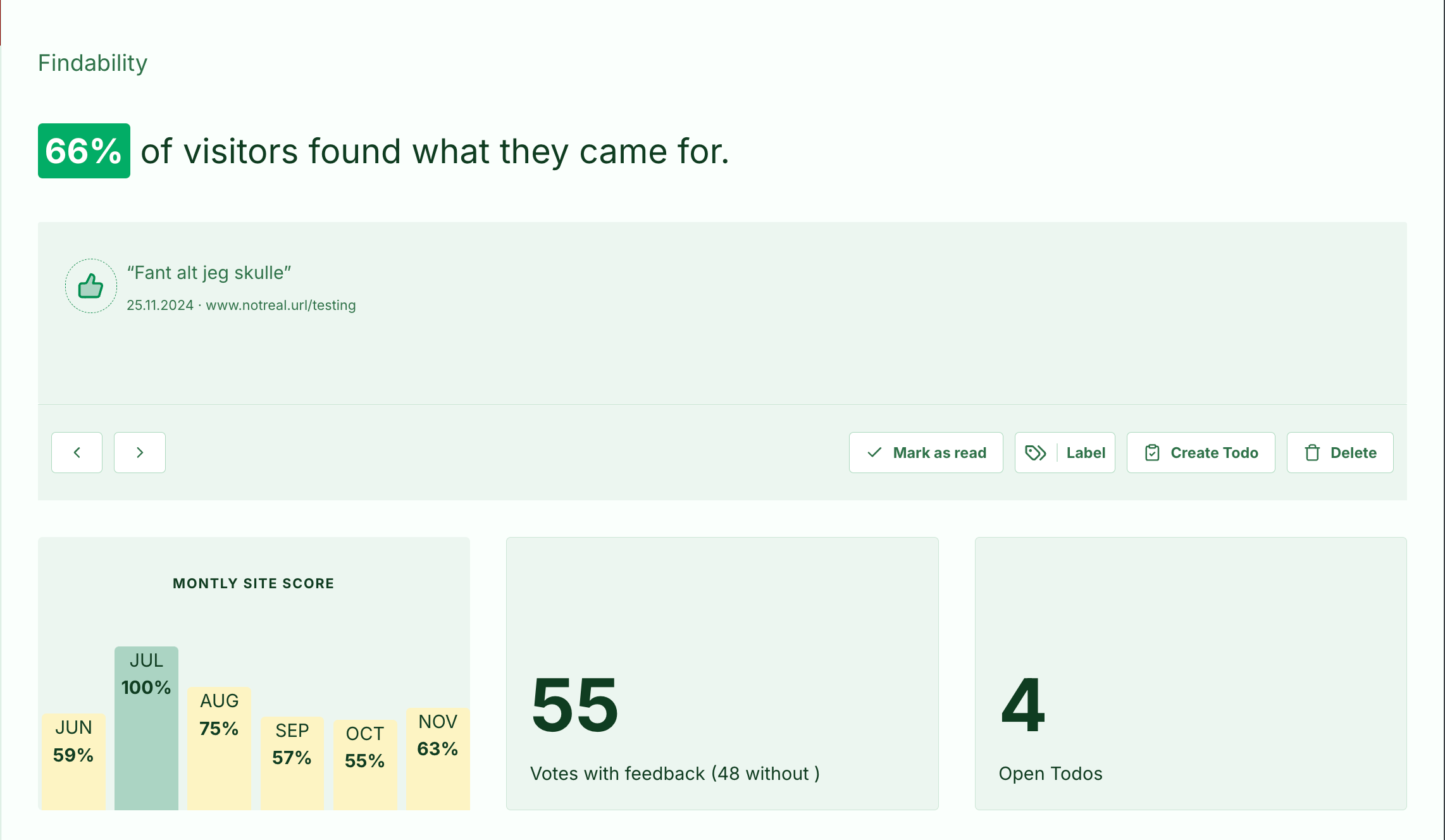
- The heading now shows the overall percentage of responses that answered Yes.
- Below the heading, a chart shows this percentage month by month.
- The figures below the chart show how many responses you have received with and without written feedback.
- A separate card for your Todos helps you keep track of follow-up work.
- Click the feedback and Todo cards to go directly to the relevant views.
2.2 Pages
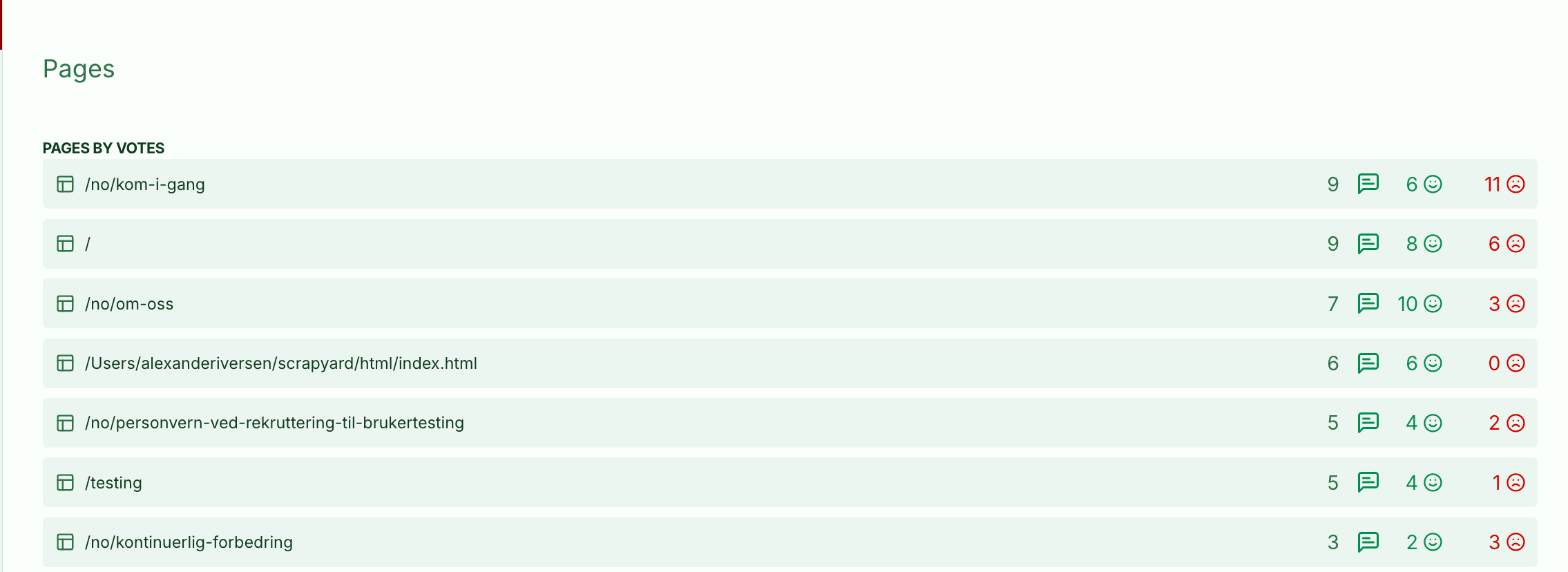
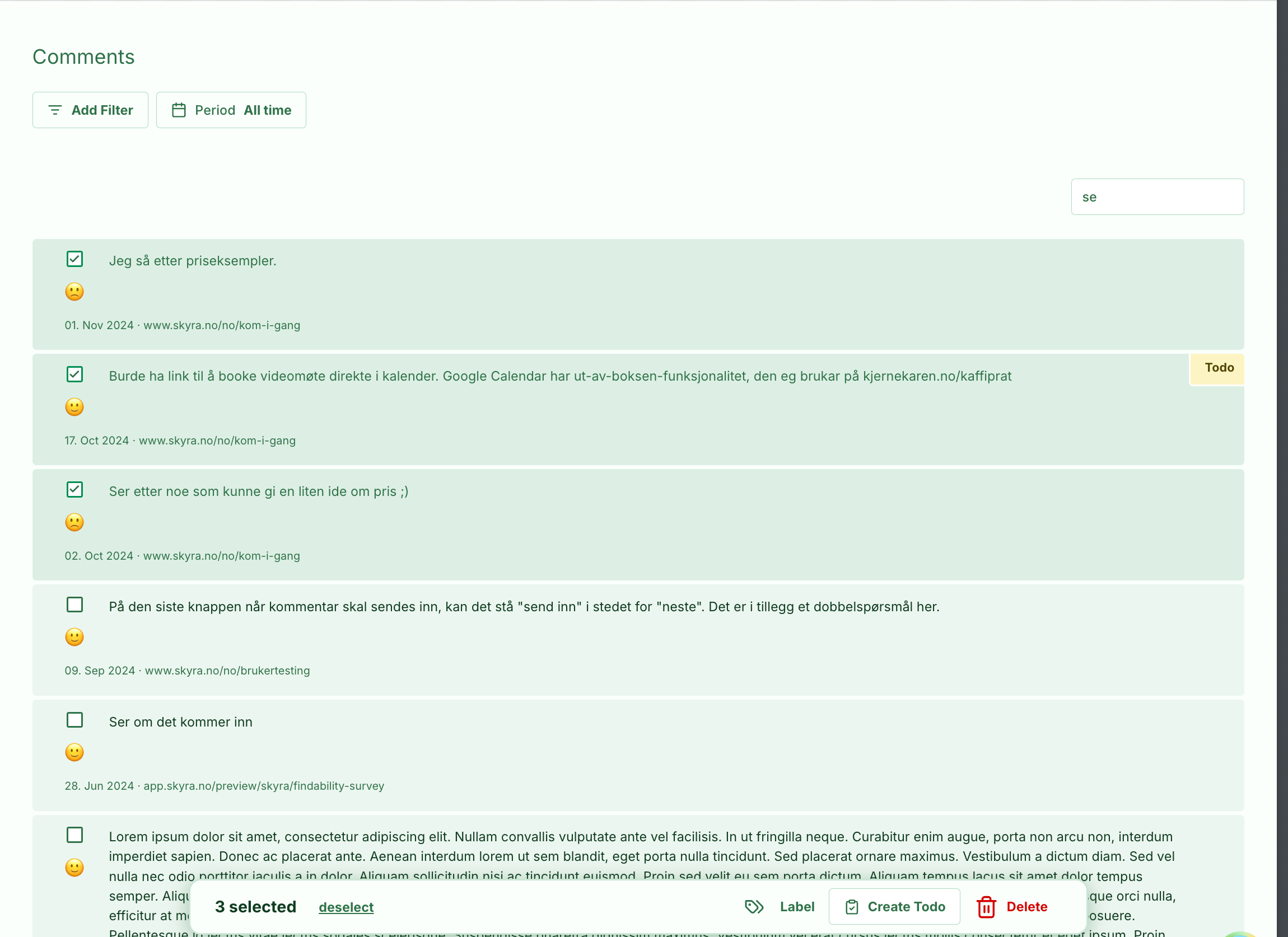
We have moved the page list from the dashboard to a separate view. The list is now sorted by activity, and clicking a row shows the feedback messages for that page.
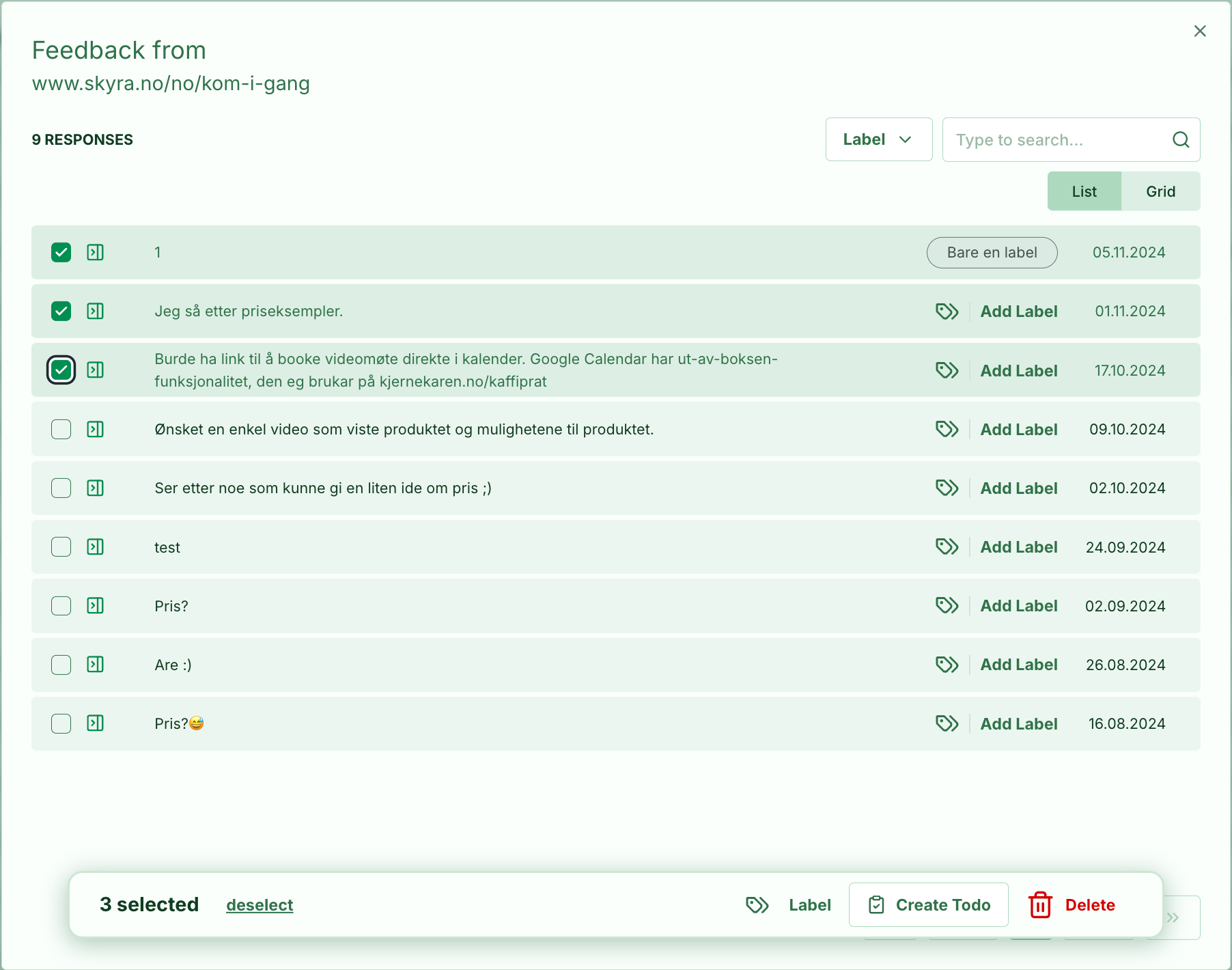
From this view, you can:
- Search the contents of feedback messages
- Organise feedback using Labels
- Create Todos for items that need follow-up
2.3 Visual upgrades
We have made visual improvements to make the interface more pleasant to use.
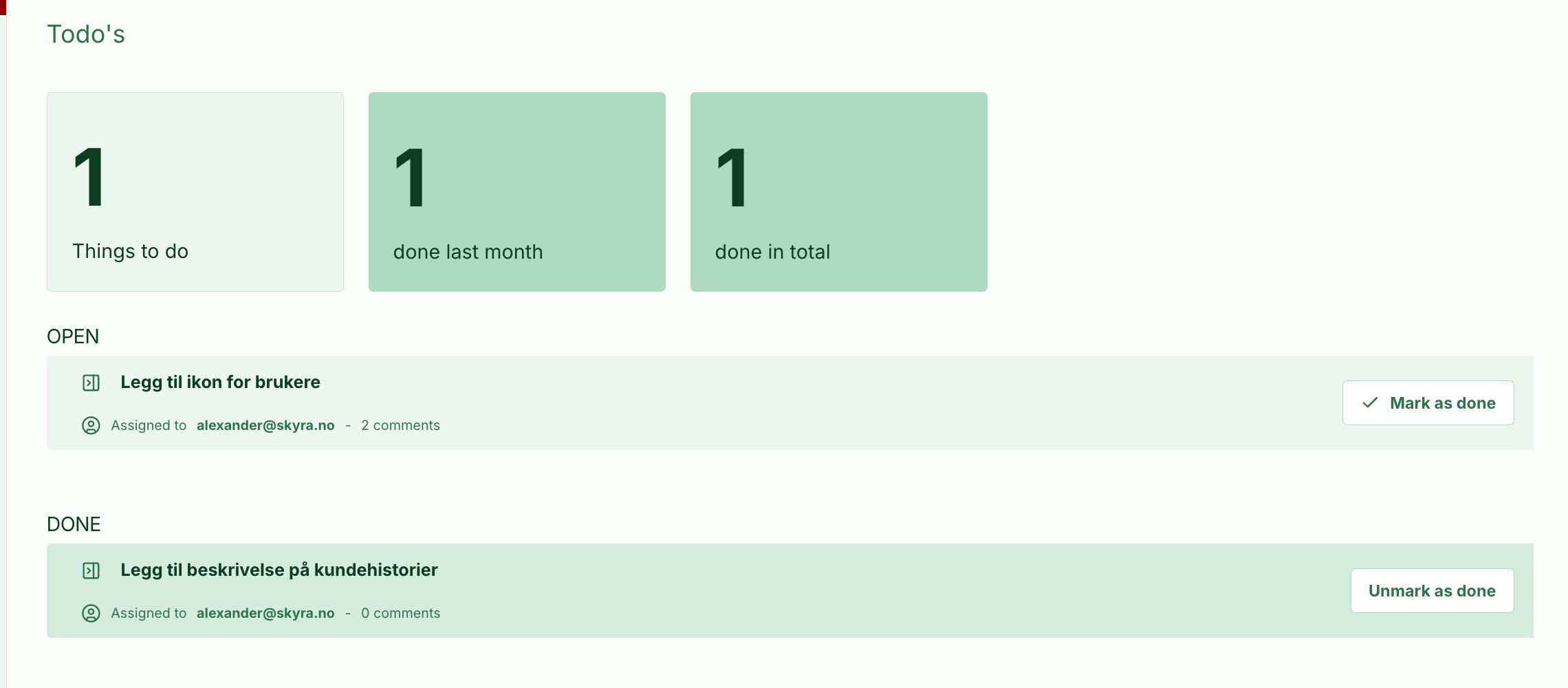
In Todos, it is now clearer how to mark an item as complete, and we have added a new icon in the sidebar for viewing its details.
Findability
Read more about Findability here
3.0 Smaller improvements
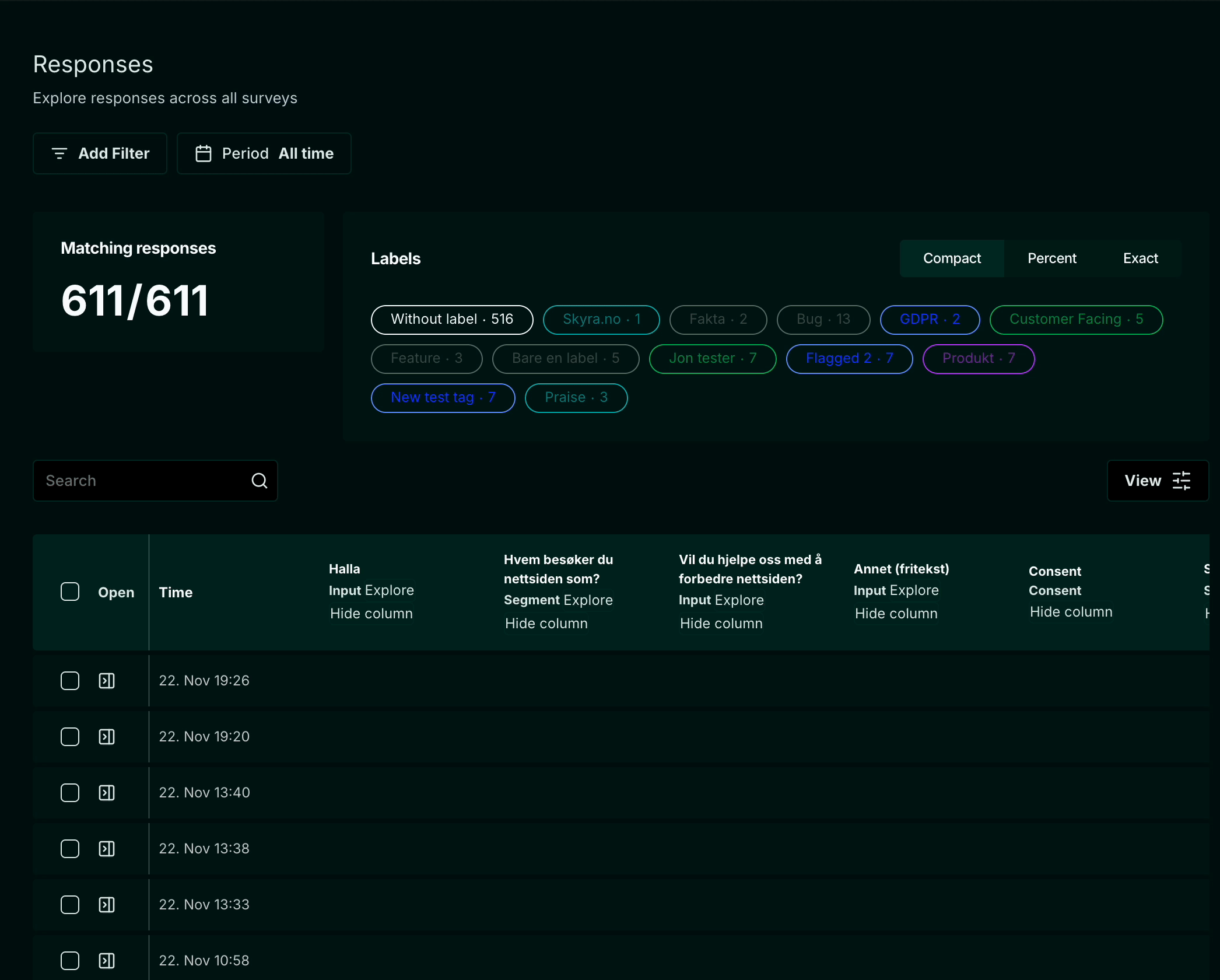
3.1 Easier column removal in the response table
We have added a shortcut for hiding columns, making it quicker to remove empty columns when inspecting responses.
If you need them back, include them again using the View button.
3.2 Survey report Input cards
We have added multiselect for response Labels and made the interface more compact and easier to scan.
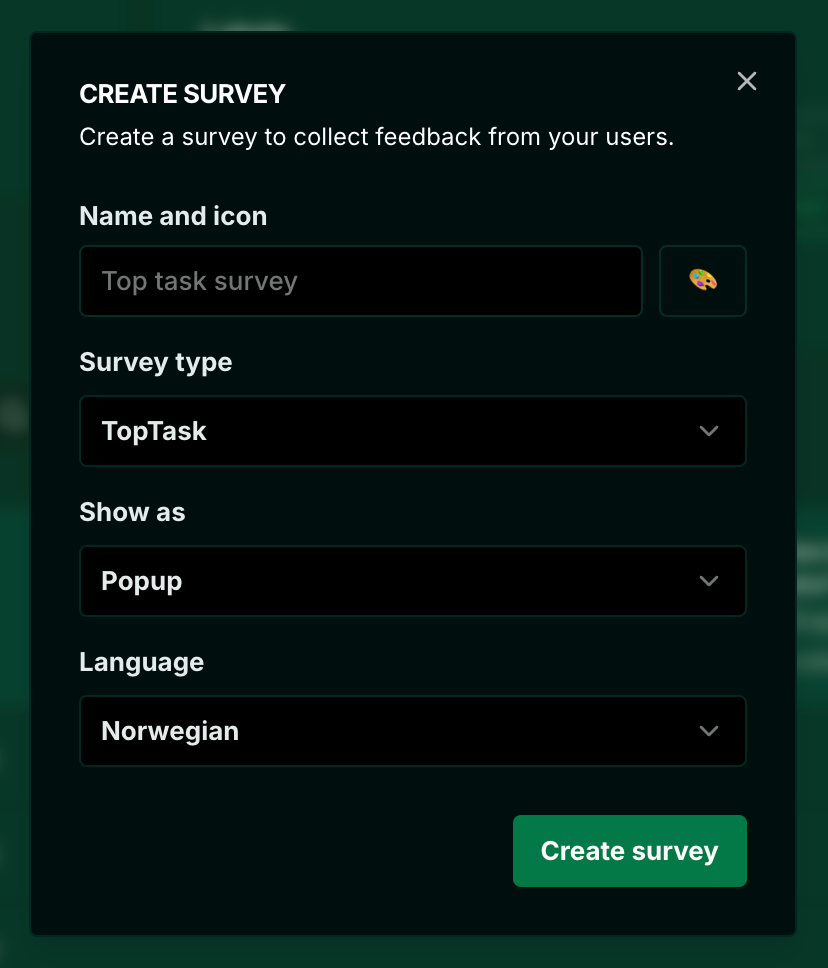
3.3 Easier survey creation
We have simplified survey creation as part of adding team assignment to the process.
If you have teams set up, you must give at least one team access before publishing a survey.
4.0 What comes next?
For the rest of the year, we will focus on usability, bug fixes, small details, and UX improvements. We hope you will notice small annoyances being fixed throughout the month. We have a long list to work through and are making a sport of ticking off as many as possible!
Performance is another focus. We will review performance again in light of teams. Adding teams required a complete restructuring of data fetching, which has inevitably had both positive and negative effects on performance in different scenarios.